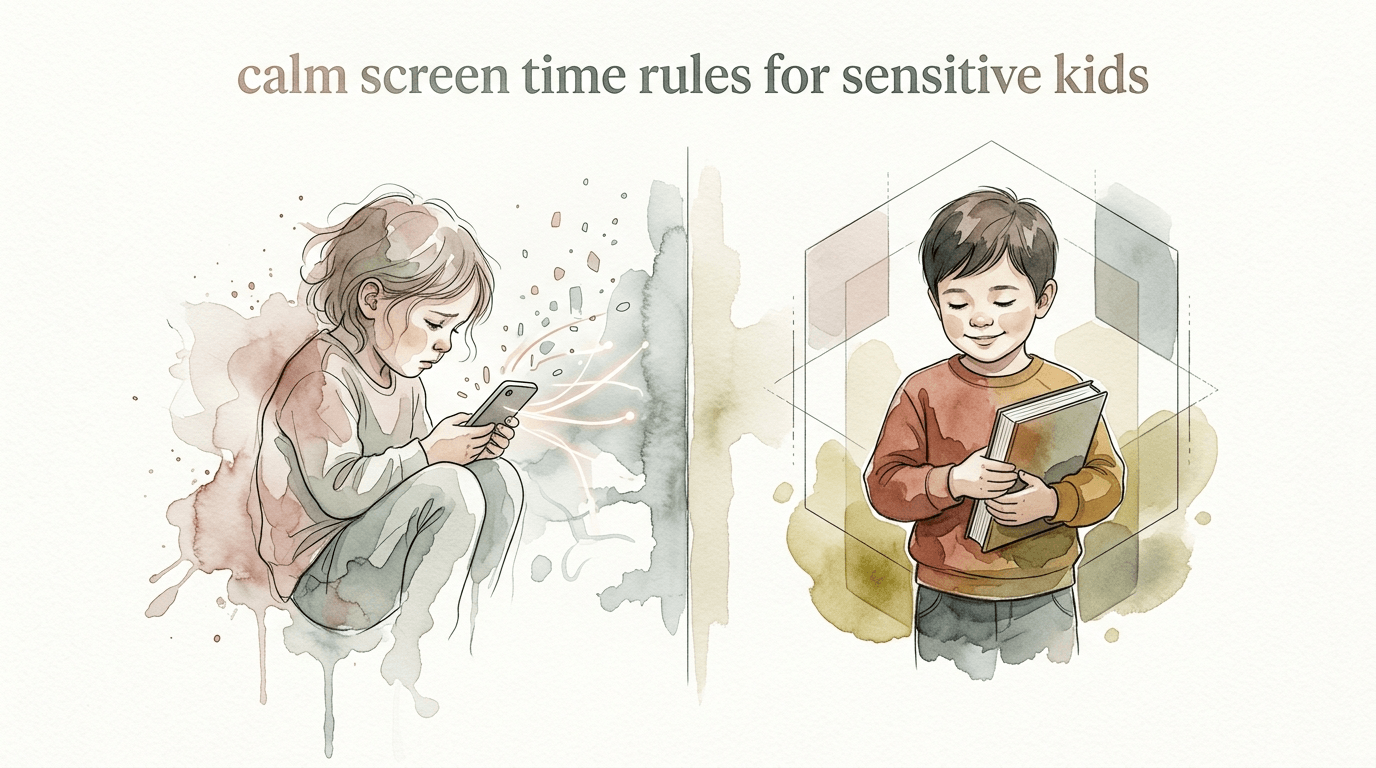
calm screen time rules for sensitive kids
Transitions don’t have to be a battleground. Sensitive kids feel the ‘tech-hangover’ more than most. These rules build emotional resilience and stop the screen-time meltdowns before they start.
[affiai]If you have ever watched your usually sweet child transform into a screaming, kicking stranger the moment you turn off the tablet, you are not alone. You are witnessing a physiological event, not a character flaw. For children with sensitive nervous systems, screens are more than entertainment; they are high-octane sensory input that alters brain chemistry in real-time.
This guide is designed to help you navigate the digital landscape without the drama. We are moving away from Fragile Transitions that rely on luck and toward Resilient Boundaries built on science. By understanding how tech affects your child’s unique wiring, you can turn screen time from a source of stress into a manageable, even positive, part of your day.
calm screen time rules for sensitive kids
Calm screen time rules are a set of proactive strategies designed to protect the nervous systems of children who are easily overstimulated. These children, often referred to as highly sensitive (HSP) or neurodivergent (ADHD/Autism), process sensory information more deeply than others. For them, a “standard” half-hour show can feel like a sensory marathon.
In the real world, these rules function as a protective buffer. They move beyond simple “time limits” and focus on the intensity and quality of the content. Instead of just saying “30 minutes,” you might say “one episode of a slow-paced show with muted colors.” This approach recognizes that 10 minutes of a fast-paced, high-dopamine YouTube video is more taxing than 40 minutes of a calm nature documentary.
Think of it like nutrition. A sensitive child might react to “digital junk food”—fast cuts, loud sound effects, and aggressive reward loops—the same way they might react to a massive sugar spike. Calm screen time rules ensure their “digital diet” supports emotional stability rather than sabotaging it.
How the “Tech Hangover” Works
Understanding the “why” behind the meltdown is the first step to stopping it. When a sensitive child engages with a screen, their brain is flooded with dopamine, the chemical linked to pleasure and anticipation. This creates a powerful “dopamine loop” where the brain constantly craves the next hit of stimulation.
Crucially, screens often act as an “off switch” for the vestibular system—the system responsible for balance and spatial orientation. While the child is watching, their awareness of their physical body and their internal emotions is essentially paused. The moment the screen goes dark, all those “paused” feelings and sensory inputs come rushing back at once. This is the Device Dysregulation cycle.
The resulting explosion isn’t a tantrum to get their way. It is a nervous system in shock, trying to process a sudden drop in dopamine while simultaneously “re-entering” their physical body. It feels like a physical crash, leading to what we call the Tech Hangover: irritability, brain fog, and a total loss of emotional control.
Step-by-Step: Implementing Calm Rules
Transitioning to this new model requires a shift in how you introduce and end screen time. It is about building a bridge between the high-stimulation world of the screen and the lower-stimulation real world.
1. Audit the Content Intensity
Start by evaluating what your child is actually watching. Avoid shows with “rapid-fire” editing—anything where the camera angle changes every 2–3 seconds. Look for “Low-Stim” shows. These are programs with gentle pacing, natural colors (rather than neon), and soft-spoken characters. Shows like Little Bear, Puffin Rock, or slow-paced LEGO building videos are excellent choices.
2. The “Bridge” Activity
Never end screen time with a “cold turkey” transition to something boring like “clean your room.” Instead, plan a 5-minute bridge activity. This should be something mid-stimulation and tactile. Think of it as a landing strip for their brain. Sensory bins, playdough, or even a quick snack can help ground their nervous system before they have to face larger demands.
3. Use Visual and Physical Warnings
Auditory warnings (“5 minutes left!”) often go unheard because the child is in a trance-like state. Use a visual timer where they can see the time “disappearing.” Even better, use physical touch. Gently place a hand on their shoulder or sit next to them for the last two minutes of their show. This helps bring their awareness back to their physical environment before the screen goes off.
Benefits of Resilient Boundaries
Switching to a calm, structured approach offers immediate and long-term advantages for the whole family. It moves the parent from the role of “enforcer” to the role of “guide.”
- Reduced Meltdowns: By managing the dopamine drop, you bypass the physiological trigger for “tech tantrums.”
- Better Sleep Quality: Sensitive kids are more affected by blue light. Calm rules usually include a “digital sunset,” stopping screens 1–2 hours before bed, which helps melatonin production.
- Increased Self-Regulation: Children learn to recognize when their “brain feels fuzzy” and may eventually start setting their own limits.
- Stronger Connection: When you stop being the person who “steals” the fun and start being the person who helps them transition, the power struggle vanishes.
Common Mistakes to Avoid
Even with the best intentions, it is easy to fall back into habits that trigger dysregulation. The most frequent pitfall is using screens as a primary tool for “calming down” a child who is already distressed. While it works in the short term, it prevents the child from learning how to regulate their emotions internally. It essentially “numbs” the feeling rather than processing it.
Another mistake is the “One More Minute” trap. When a child begs for more time and you give in, you are inadvertently teaching them that their dysregulation is a valid negotiation tactic. It also keeps them in the dopamine loop longer, making the eventual crash even harder. Consistency is the kindest thing you can offer a sensitive child.
Lastly, avoid “Background TV.” Having a screen on in the background, even if the child isn’t actively watching it, creates a constant hum of sensory input. This “noise” drains their mental battery throughout the day, leaving them with less resilience when they actually need it.
Limitations and Realistic Constraints
Calm screen time rules are not a magic wand. There are days when the rules will break. If a child is sick, exhausted, or going through a major life change (like a move or a new sibling), their sensitivity will be heightened. In these moments, even the best-planned transition might fail.
Additionally, these rules require significant parental involvement. You cannot simply “set and forget” a sensitive child with a device. If you are in a season of life where you don’t have the capacity to co-view or manage transitions, it may be better to remove screens entirely for a few days rather than risk the cycle of dysregulation.
Fragile Transitions vs. Resilient Boundaries
The core of this philosophy is moving from a fragile system to a resilient one. A fragile system breaks under pressure; a resilient system is built to handle it. See the comparison below to identify where your current routine stands.
| Feature | Fragile Transitions | Resilient Boundaries |
|---|---|---|
| Ending Method | Abrupt “Time’s up!” | Visual cues + Physical touch |
| Content Type | High-stim, fast-paced YouTube | Low-stim, slow-paced “Slow TV” |
| Post-Screen Plan | Chores or boring tasks | Sensory “Bridge” activities |
| Emotional State | High anxiety, “Tech Hangover” | Grounded, predictable shift |
Practical Tips for Immediate Improvement
You can start changing the energy in your home today with a few simple adjustments to your tech setup and routine. These tips focus on reducing the biological impact of the screen.
- Activate Blue Light Filters: Every device has a “Night Shift” or “Blue Light Filter” mode. Keep this on 24/7. It reduces the intensity of the light hitting the child’s retinas, which is less taxing for the sensitive brain.
- Use a Larger Screen: Whenever possible, move viewing from a handheld tablet to a TV across the room. Tablets encourage a “hunched” posture and “tunnel vision,” which deepens the trance. A TV allows for more peripheral awareness and movement.
- Narrate the Ending: Five minutes before the end, start talking. “I see your character is almost at the castle. That looks like a good place to stop in a few minutes.” This helps the child start the mental process of disengaging.
- The “Body Check” Ritual: When the screen goes off, ask the child to do a quick body check. “Can you feel your toes? Can you take a big ‘dragon breath’?” This specifically targets the vestibular and respiratory systems to help them “re-enter” their body.
Advanced Strategies: Modeling and Co-Viewing
For parents who want to take it a step further, look at Co-Viewing. Instead of using the screen as a babysitter, sit and watch with them. Ask questions about the story. This turns a passive, isolating activity into a social, “serve-and-return” interaction. It keeps the child’s prefrontal cortex (the thinking part of the brain) engaged, making the transition out of the “trance” much easier.
Also, consider your own “Digital Modeling.” A sensitive child is hyper-aware of your energy. If they see you constantly distracted by your phone, they learn that screens are the most important thing in the room. By practicing your own “digital sunset” and putting your phone in a “parking lot” (a charging basket) during family hours, you model the exact regulation skills you want them to learn.
Example Scenario: The Minecraft Monday
Let’s look at how a Resilient Boundary works in practice. Imagine your child loves Minecraft—a game that can be very high-stimulation and addictive. Instead of a random hour of play, you set a Minecraft Monday routine.
The Setup: You agree that Minecraft happens at 4:00 PM. Before they start, you check that they’ve had a snack and some water (regulating the body first). You set a visual timer for 45 minutes.
The Warning: At 40 minutes, you sit next to them. You don’t tell them to stop; you ask, “What are you building right now?” They explain their castle. You say, “That’s amazing. Let’s find a spot to save your progress so it’s ready for next Monday.”
The Transition: When the timer goes off, the screen goes off. You immediately hand them a bowl of crunchy carrots or a piece of Velcro to pull apart (tactile input). You spend 2 minutes “bridging” by talking about the castle while they eat. The meltdown is avoided because their brain had a landing strip.
Final Thoughts
Managing screen time for a sensitive child is not about being a “mean” parent or being “anti-tech.” It is about being a neuro-informed parent who understands that their child’s brain is simply more reactive to the digital world. By implementing calm rules and resilient boundaries, you are giving your child the tools they need to navigate a tech-heavy world without losing their emotional balance.
Start small. Choose one “bridge” activity this week and try out a visual timer. You might be surprised at how quickly the atmosphere in your home shifts when the battleground disappears. Remember, the goal isn’t perfection; it’s a calmer, more connected relationship with your child in our digital age.
As you become more comfortable with these strategies, you may find that other “fragile” areas of your routine—like bedtime or mealtime—benefit from the same principles of predictability and sensory awareness. Resilience is a skill that grows with practice, for both you and your child.
Sources
1 childmind.org (https://childmind.org/article/how-to-set-limits-on-screen-time/) | 2 apple.com (https://podcasts.apple.com/us/podcast/150-how-to-handle-screen-time-with-sensitive-kids/id1609328392?i=1000774792355&l=es-MX) | 3 parentingvistas.com (https://vertexaisearch.cloud.google.com/grounding-api-redirect/AUZIYQGlbUe3WNb1JmmT0xmc3G0aTt3LeBGa11eqjEigMt-hDLzs_VUfZgT3PsykiIhBzyVvvjaT5bGAvfrcmODzXTMDp1prKQbDxDLGS9V3BO8YslN8LGbv4kYvEt1vcsgiL2846FA7q51Kxaw_YnsqNB8dXEcmRK4w1VTx) | 4 leannetran.com.au (https://learn.leannetran.com.au/blog/screen-time-boundaries-actually-work-neurodivergent-kids) | 5 peaceathomeparenting.com (https://peaceathomeparenting.com/dopamine-loop-vs-happiness-screen-time-meltdowns-kids/) | 6 healthychildren.org (https://www.healthychildren.org/English/family-life/Media/Pages/screen-time-and-temper-tantrums-helpful-tips-for-parents.aspx) | 7 verizon.com (https://www.verizon.com/about/parenting/how-to-reduce-screen-time) | 8 thrivetherapystudio.com (https://thrivetherapystudio.com/recalibrating-family-boundaries-hitting-reset-with-love-and-a-little-less-screen-time/) | 9 thoughtfulparent.com (https://thoughtfulparent.com/low-stimulation-shows.html) | 10 esnorcal.org (https://www.esnorcal.org/screen-time-and-autism-spectrum-disorder-what-to-know-and-avoid/) | 11 agavehealth.com (https://www.agavehealth.com/post/navigating-screen-time-for-neurodivergent-kids-without-losing-your-mind-or-their-trust) | 12 linksaba.com (https://linksaba.com/tips-for-managing-screen-time-without-meltdowns/) | 13 reddit.com (https://www.reddit.com/r/ScienceBasedParenting/comments/13t1u81/does_boring_screen_time_differ_from_high_stimulus/) | 14 waituntil8th.org (https://www.waituntil8th.org/blog/2024/12/6/5-screen-boundaries-for-healthy-kids) | 15 drroseann.com (https://www.drroseann.com/post/device-dysregulation-kids)